
Rebooting an AndroidDE server is straightforward and can be completed in just a few steps. This guide is specifically for servers located in Germany and Finland. You can view the complete list of applicable servers here.
Step 1: Select the Server
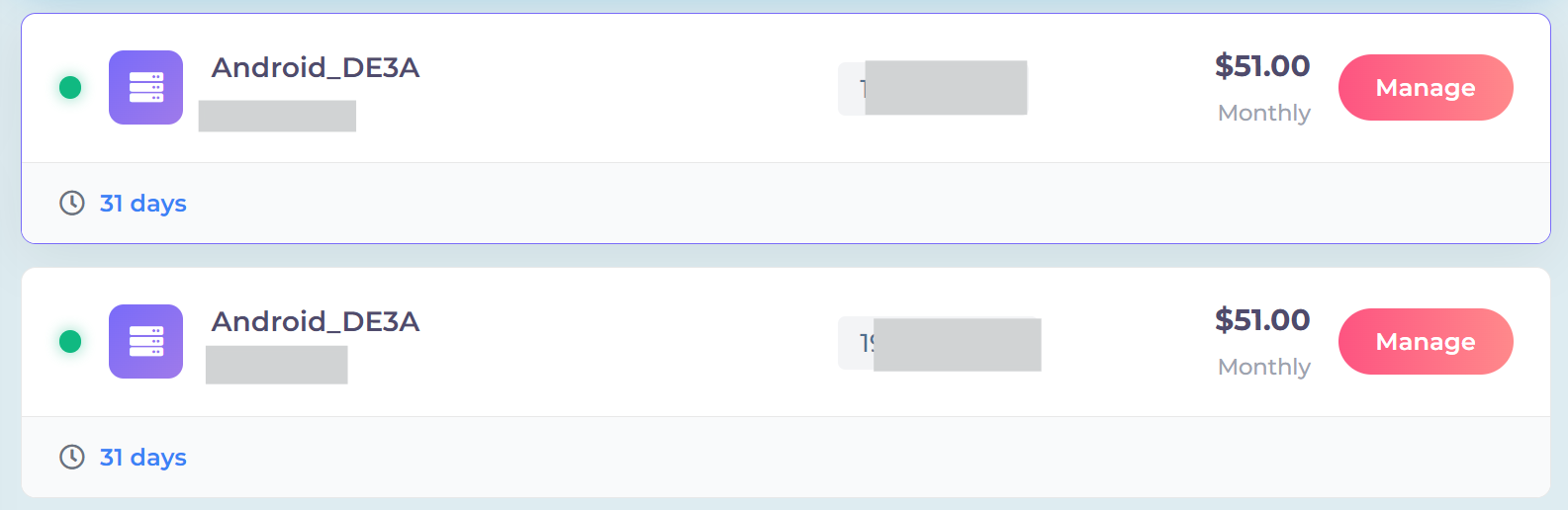
First, identify and select the server that needs to be rebooted. Ensure you access the correct server to avoid unintended disruptions to other services.
Step 2: Initiate Reboot
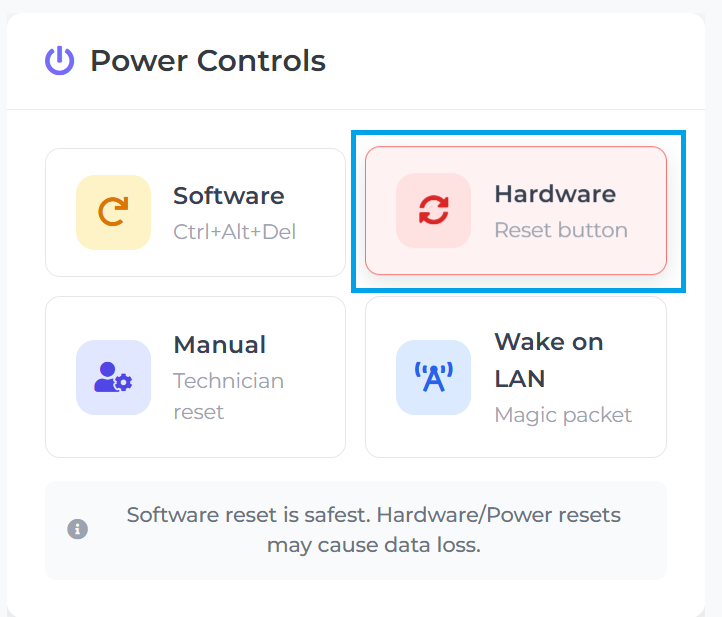
Navigate to the bottom of the server's page and click the "Hardware" button. This action will reboot the server.
Select "Software" instead if you are working with Linux/Unix systems, as this triggers a clean reboot in the standard configuration and should therefore be tried first. Note that sending Ctrl+Alt+Del has no effect in Windows systems.
If both methods fail, use the final option: "Manual Technician Reset."
Step 3: Confirm
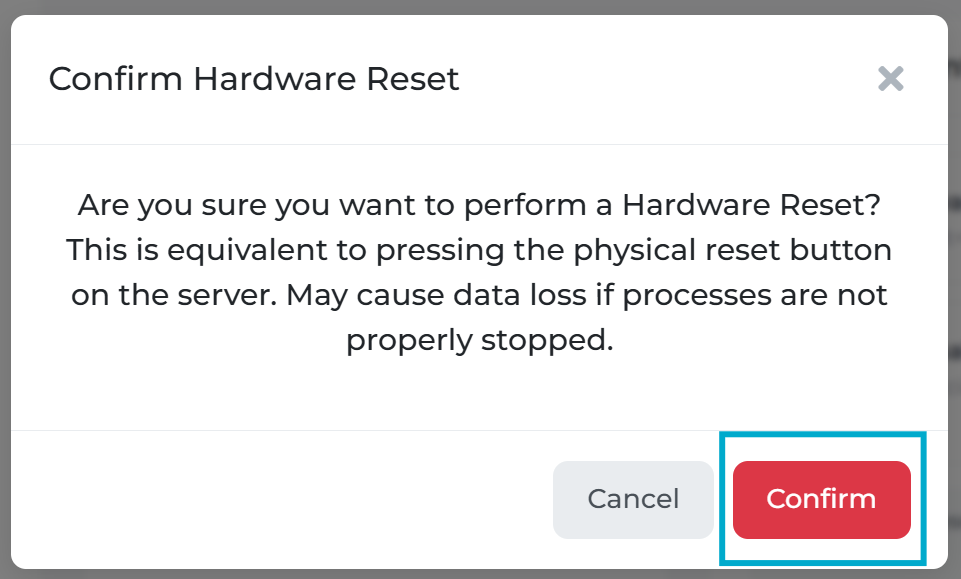
In the notification box that appears, select "Confirm" to ensure a thorough reboot of the server hardware.
